Affiliate Disclosure: As an Amazon Associate, we earn from qualifying purchases. This post contains affiliate links, which means we may earn a small commission if you buy through our links, at no extra cost to you.

Introduction
A pet camera can give cat parents peace of mind when they are away from home. Whether you are at work, running errands, or traveling for a short trip, a camera can help you check whether your cat is resting, eating, playing, or acting normally. If you are planning to be away for more than a normal workday, our guide to leaving your cat home alone covers food, water, litter, safety, and check-in preparation.
For cats, the best pet camera does not always need complicated features. Many cat parents simply need a clear indoor camera with a reliable app, night vision, motion alerts, and a wide enough view of the room. Others may prefer two-way audio, treat tossing, pan-and-tilt viewing, or cloud storage.
In this guide, we compare seven of the best pet cameras for cats, including simple indoor cameras, treat-dispensing models, mobile cameras, night-vision options, local-storage cameras, and multi-room setups.
Quick Picks
| Pick | Product | Video | View Type | Best For |
|---|---|---|---|---|
| Best Overall | TP-Link Tapo C200 | 1080p | Pan/Tilt | Everyday monitoring |
| Best Budget | Blink Mini | 1080p | Fixed | Basic check-ins |
| Best Treat Camera | Furbo Mini 360° | 2K | 360° | Treat interaction |
| Best Mobile | Enabot EBO SE | 1080p | Moving robot | Cats moving between areas |
| Best Night Vision | Ring Indoor Cam | 1080p | Fixed/swivel | Evening monitoring |
| Best Local Storage | Kasa EC71 | 1080p | Pan/Tilt | Local recording |
| Best Multi-Room | WYZE Cam OG 2-Pack | 1080p | Two cameras | Multiple areas |
How We Chose These Pet Cameras for Cats
We compared these cameras based on video clarity, field of view, night vision, app controls, motion alerts, two-way audio, storage options, privacy features, placement flexibility, and overall usefulness for monitoring cats at home. We also considered whether pet-specific extras such as treat tossing or mobile movement add meaningful value for everyday use.
Best Pet Cameras We Recommend
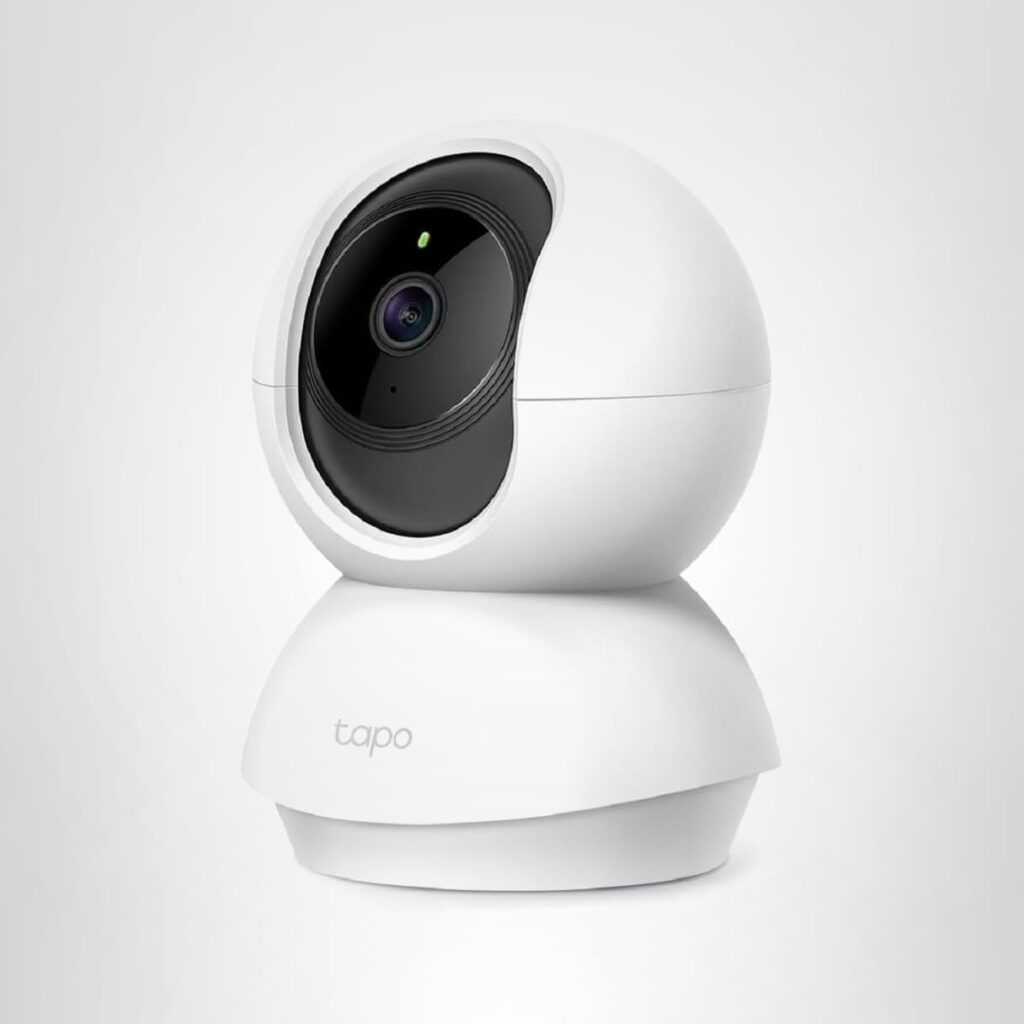
Best Overall Pet Camera for Cats: TP-Link Tapo C200 Pan/Tilt Security Camera
Best for:
Cat parents who want an affordable pan-and-tilt camera with a wide room view, motion detection, night vision, and two-way audio.
Key Features:
• 1080p HD video
• 360° horizontal pan and 114° vertical tilt
• Motion detection and phone notifications
• Night vision up to 30 ft
• Two-way audio
• Cloud and microSD card storage
• Works with Alexa and Google Home
Why We Like It:
The TP-Link Tapo C200 is a strong overall pick because it covers the features most cat parents need without feeling overly complicated. The pan-and-tilt design makes it easier to check different areas of the room, such as the cat tree, sofa, food station, window perch, or favorite nap corner.
We also like that it includes motion detection, night vision, and two-way audio. For everyday check-ins, short trips, or monitoring your cat while you are away from home, this camera gives a practical balance of coverage, clarity, and value.
Things to Consider:
This is a plug-in indoor camera, so placement depends on where you have an outlet. Two-way audio can be useful, but some cats may feel confused when hearing their owner’s voice through a camera.
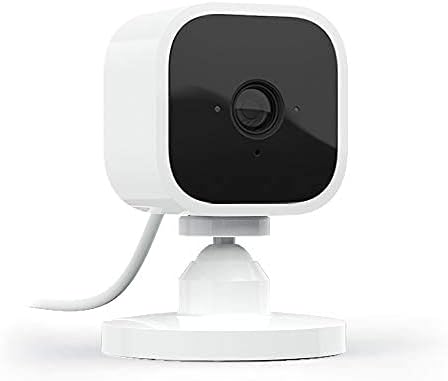
Best Budget Pet Camera: Blink Mini Compact Indoor Smart Security Camera
Best for:
Cat parents who want a simple, affordable indoor camera for live viewing and basic home monitoring.
Key Features:
• Compact indoor plug-in camera
• 1080p HD video
• Night vision
• Motion detection
• Two-way audio
• Easy setup
• Works with Alexa
Why We Like It:
The Blink Mini is a good budget-friendly option if you mainly want to check whether your cat is resting, moving around, or staying safe at home. It does not have pet-specific features like treat tossing or mobile movement, but it covers the basic monitoring needs for many cat parents.
Because it is small and simple, it can be placed near a food station, cat bed, cat tree, or favorite window spot. It is a practical starter camera for people who want peace of mind without buying a more expensive pet camera.
Things to Consider:
This is a fixed camera, so it will only show the area it is pointed at. If your cat moves between many rooms or corners, you may need careful placement or more than one camera.
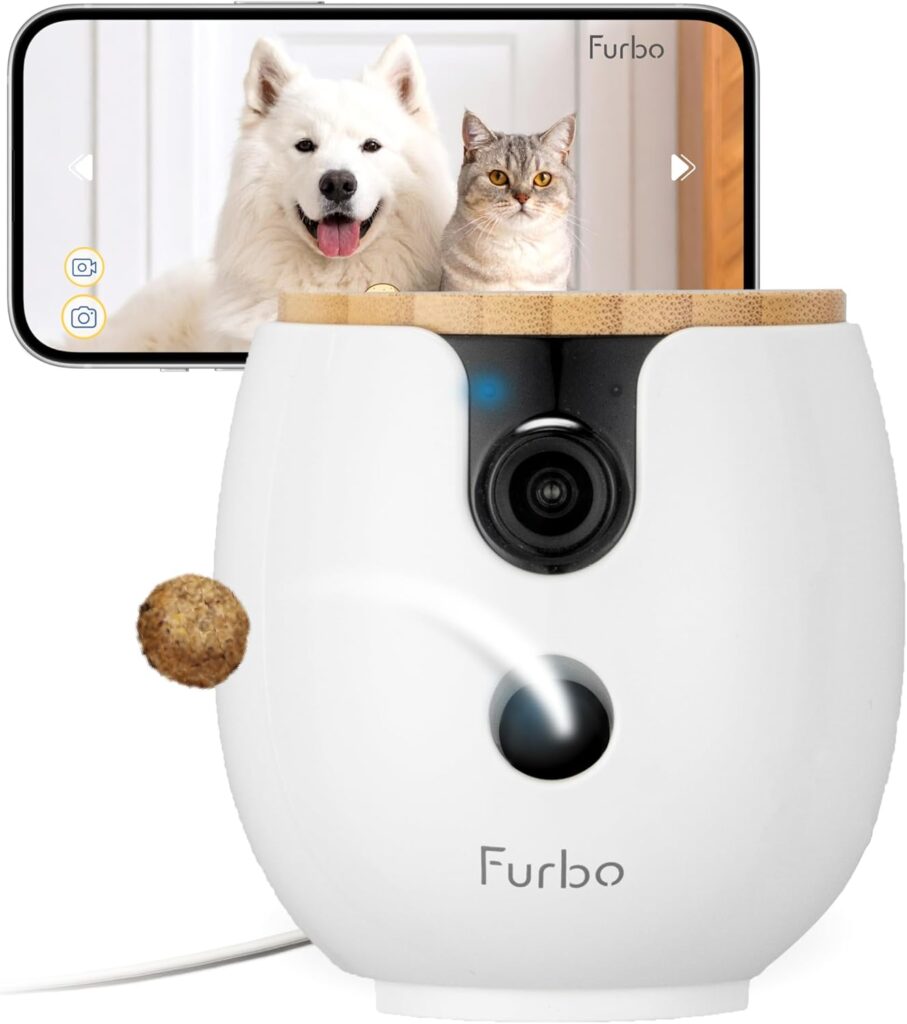
Best Pet Camera with Treat Dispenser: Furbo Mini 360° 2K QHD Pet Camera
Best for:
Cat parents who want an interactive pet camera with treat tossing, 360° rotation, two-way audio, and clearer video.
Key Features:
• 2K QHD video
• 360° rotating view
• Treat tossing with app control
• Auto tracking
• Two-way audio
• Color night vision
• Smart alerts
Why We Like It:
The Furbo Mini 360° is a more interactive choice than a basic indoor camera. It lets you check on your cat, talk through the app, rotate the view, and toss treats remotely. This can be helpful for food-motivated cats or cats who enjoy a little extra interaction while their owner is away.
We also like that it combines pet-focused features with strong viewing features, including 2K video, 360° coverage, and night vision. For cat parents who want more than simple monitoring, this is one of the most feature-rich options.
Things to Consider:
Not every cat will care about treat tossing, and some cats may be startled by the sound or movement. Test the treat feature before relying on it while traveling, and use small treats in moderation.
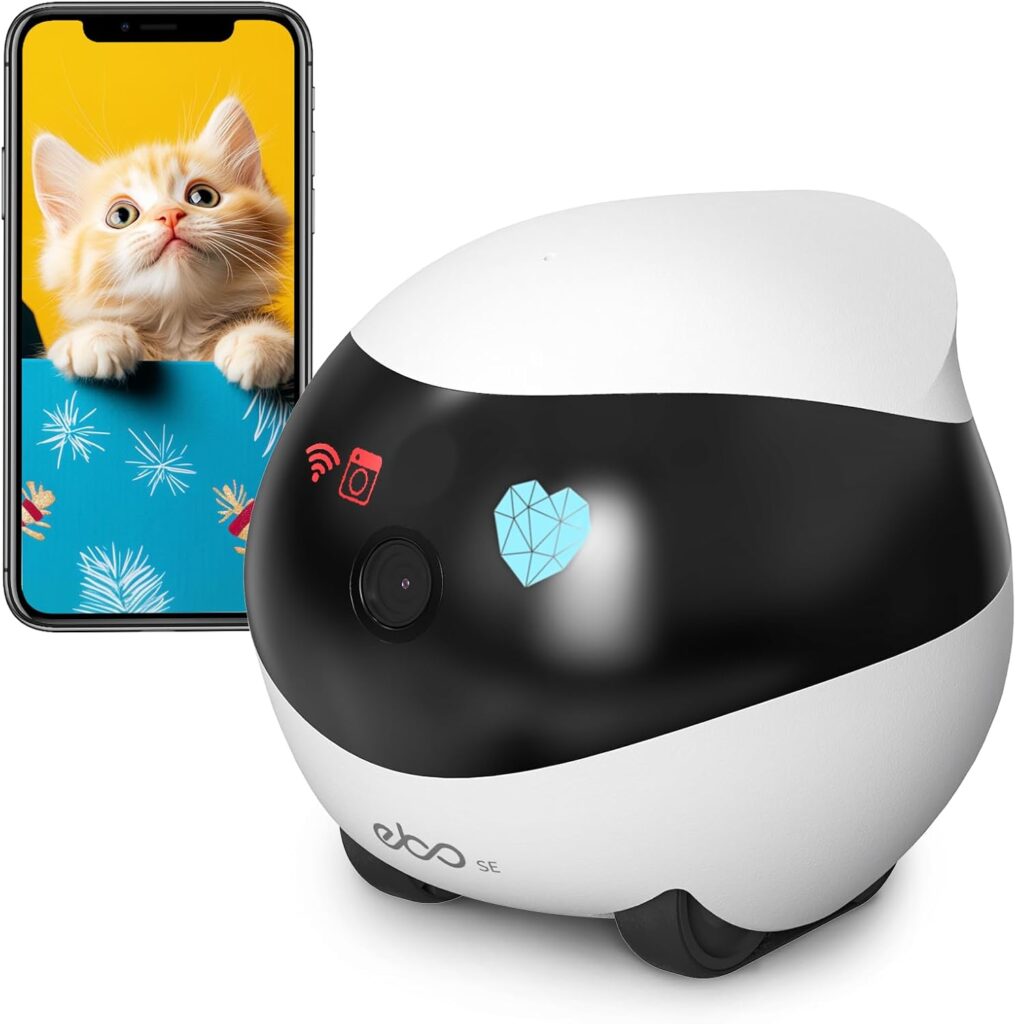
Best Mobile Pet Camera: Enabot EBO SE FamilyBot Home Camera Robot
Best for:
Cat parents who want a movable camera that can travel around the home instead of staying fixed in one spot.
Key Features:
• Movable pet camera robot
• 1080p video
• Remote control through app
• Night vision
• Two-way talk
• Battery-operated design
• Auto-recharge
• Local storage
Why We Like It:
The Enabot EBO SE stands out as a mobile pet camera because it can move around the home instead of showing only one fixed area.
This is especially useful for cats who do not stay in front of one fixed camera. If your cat moves between the sofa, bedroom, hallway, food area, and window spot, a movable camera can give you more flexibility.
Things to Consider:
Because it is a moving robot camera, it may not be ideal for very nervous cats at first. Introduce it slowly and let your cat get used to it before using it while you are away.
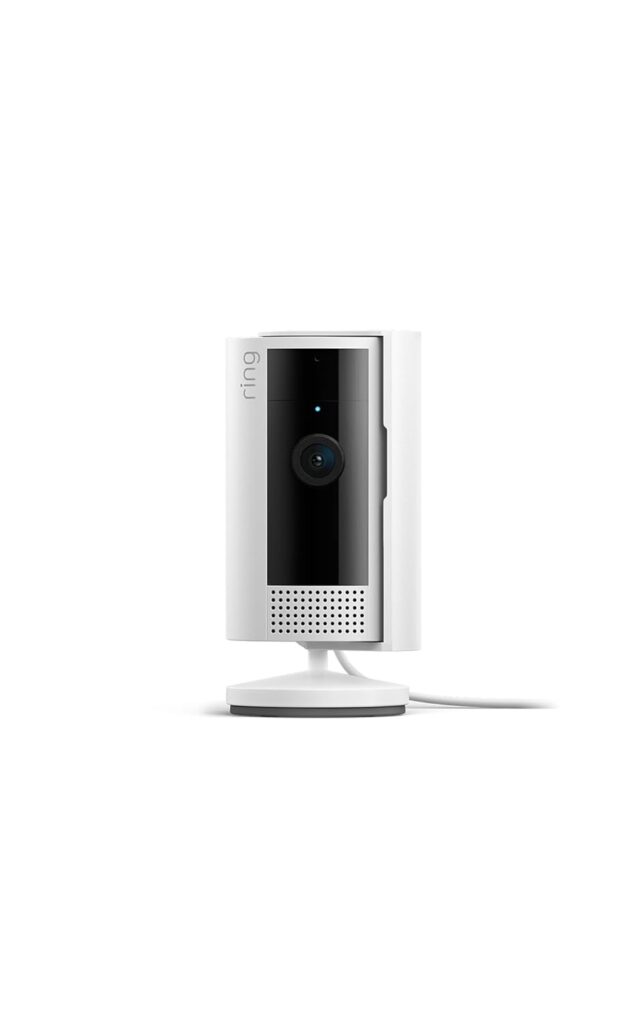
Best Pet Camera for Night Vision: Ring Indoor Cam
Best for:
Cat parents who want a reliable indoor camera with color night vision, motion alerts, and strong privacy controls.
Key Features:
• 1080p HD video
• Live View
• Color Night Vision
• Motion alerts
• Privacy cover for camera and microphone
• Flexible swivel mount
• Plug-in indoor design
• Works with Alexa
Why We Like It:
The Ring Indoor Cam is a good option for checking on your cat day or night. The color night vision is useful if your cat is active in the evening, early morning, or while the room is dim. It can help you see whether your cat is resting, drinking water, or moving around normally.
We also like the privacy cover. If you are using a camera inside the home, being able to manually turn off the camera and microphone can feel reassuring when you do not need monitoring.
Things to Consider:
Some features may work best within the Ring ecosystem or with additional subscription options. If you only need simple live viewing, check which features are included before buying.
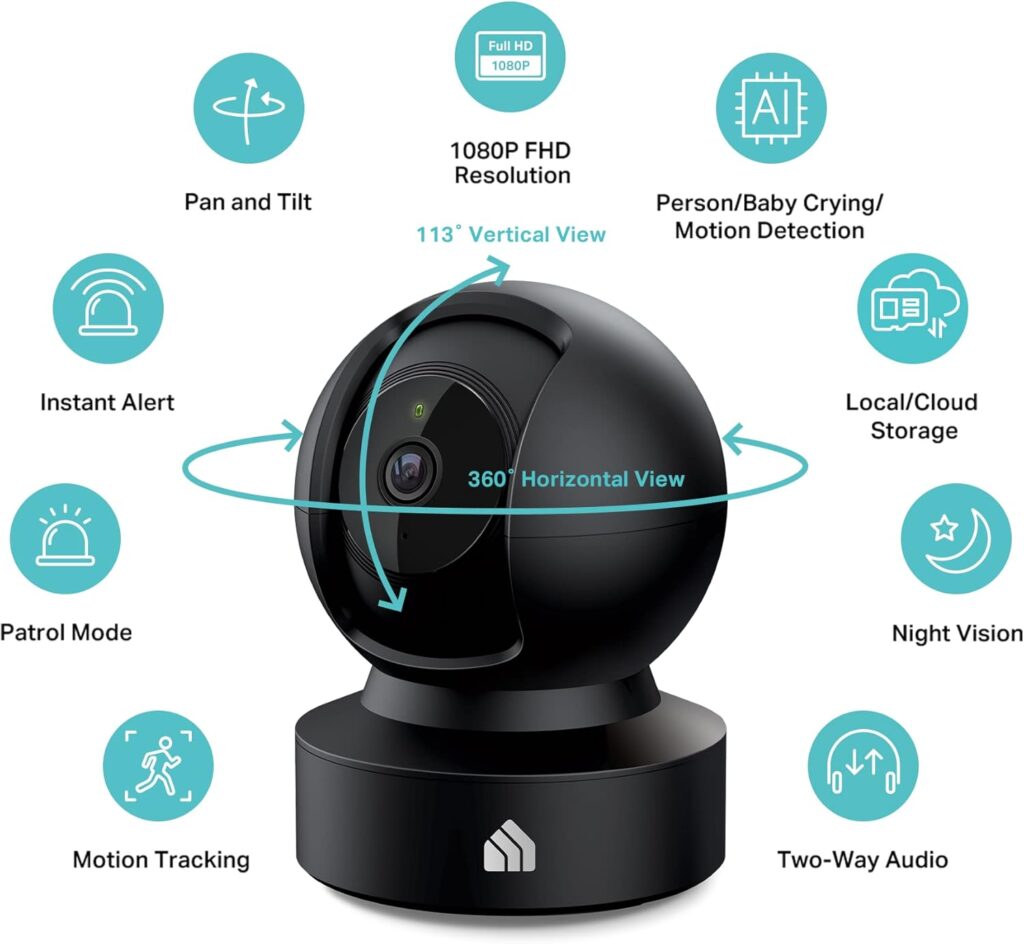
Best Local-Storage Pet Camera: Kasa EC71 1080p Indoor Pan/Tilt Security Camera
Best for:
A pet camera with local storage can be useful if you want recording flexibility without relying entirely on cloud storage.
Key Features:
• 1080p video
• 360° horizontal and 113° vertical pan/tilt view
• Motion tracking
• Instant notifications
• Two-way audio
• Night vision
• Local recording
• Optional cloud storage
Why We Like It:
The Kasa EC71 is a practical pick for cat parents who want wide room coverage and local storage options. The pan-and-tilt view helps you check different parts of the room, while motion tracking can be useful when your cat moves through the camera’s view.
We also like that it supports local recording, which can help reduce reliance on monthly cloud storage plans. For people who want a long-term monitoring setup without adding too many recurring costs, this can be a smart option.
Things to Consider:
Some advanced features or cloud storage options may still require separate setup or optional services. Check storage details before buying if avoiding subscriptions is your main priority.
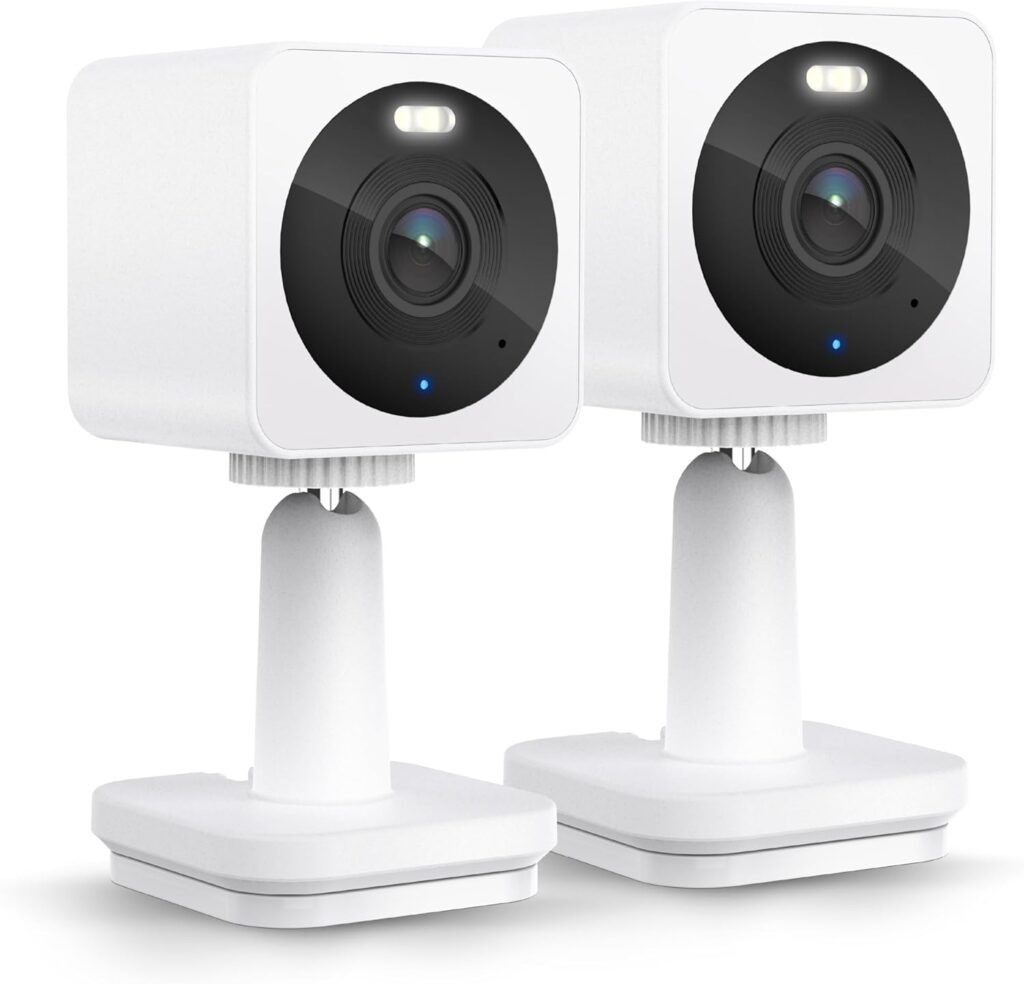
Best Multi-Room Setup: WYZE Cam OG Indoor/Outdoor 1080p Camera 2-Pack
Best for:
Cat parents who want two cameras to monitor more than one area, such as the living room and food station.
Key Features:
• Two-camera pack
• 1080p HD video
• Color night vision
• Motion and sound alerts
• Two-way audio
• Indoor/outdoor design
• Local recording option with microSD card
• Works with Alexa and Google
Why We Like It:
The WYZE Cam OG 2-Pack is useful because one camera is not always enough for cats. Your cat may nap in one room, eat in another area, and spend time near a window or cat tree somewhere else. With two cameras, you can cover more of the home without relying on one fixed angle.
This setup is especially helpful when leaving your cat home alone for a longer day or short trip. You can place one camera near the food and water area and another near a favorite resting spot or living room.
Things to Consider:
More cameras mean more setup and more notifications. Start with the two most important areas first, then adjust based on where your cat actually spends time.
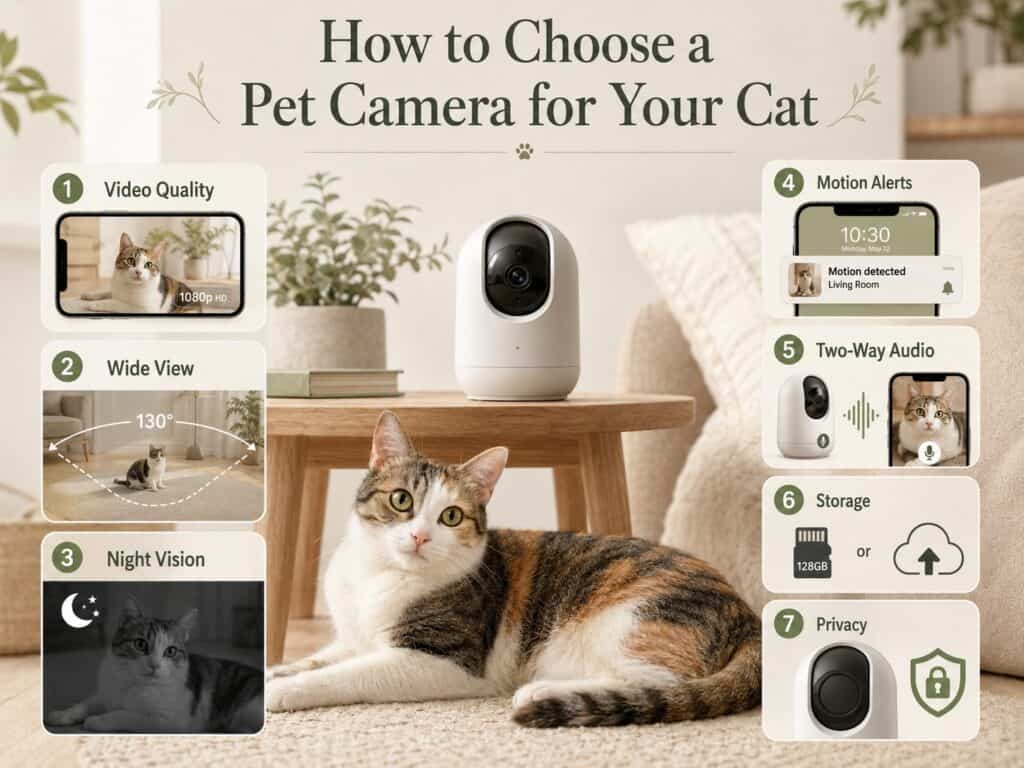
How to Choose a Pet Camera for Your Cat
Video Quality
Clear video is important, but you do not always need the most expensive camera. For most cat parents, 1080p video is enough to see whether your cat is resting, eating, moving, or acting normally.
Field of View
Cats move around, so a wider view is helpful. A pan-and-tilt camera or 360° camera is usually better than a fixed camera if you want to monitor a whole room.
Night Vision
Night vision is useful because cats are often active when the room is dim. If you travel or check in during the evening, this feature can be very helpful.
Motion Alerts
Motion alerts can let you know when your cat moves around. However, too many alerts can become annoying, especially if your cat is very active. Choose a camera with adjustable sensitivity if possible.
App Reliability and Wi-Fi Connection
A pet camera is only useful if you can connect to it reliably when you are away. Check the camera’s Wi-Fi requirements, app compatibility, notification settings, and whether important features still work if you do not subscribe to a cloud plan.
Two-Way Audio
Two-way audio lets you speak through the camera, but use it carefully. Some cats may find it comforting, while others may feel confused.
Treat Dispenser
A treat dispenser can make the camera more interactive, but it is not essential. It works best for cats who are food-motivated and comfortable with new devices.
Storage and Subscription Fees
Check whether the camera requires a paid plan for video history, cloud storage, or advanced alerts. If you only need live viewing, a basic camera may be enough.
Privacy and Placement
Place the camera where it gives a useful view without invading private areas of the home. If other people live with you, make sure everyone knows where the camera is placed. Because pet cameras can stream video from inside your home, use a unique password, enable two-factor authentication when available, keep the camera firmware and app updated, and use a secure home Wi-Fi network to implement home camera security.
Where to Place a Pet Camera
Good places for a cat camera include:
• Near your cat’s favorite resting spot
• Facing the food and water area
• Near a cat tree or window perch. If your cat spends most of the day near a sunny window, our cozy window perch ideas can help you create a comfortable viewing area that is also easy to monitor.
• In the living room
• Near, but not directly inside, the litter box area
Avoid placing the camera where your cat can easily knock it over, chew the cord, or block the view.
When a Pet Camera Is Most Useful
A pet camera can be helpful when:
• You are at work for long hours
• You are leaving your cat home alone overnight
• You are traveling for a short trip
• You recently adopted a new cat. A camera can also let you observe a shy cat without constantly entering the room. For more setup ideas, see how to help a new cat feel safe at home.
• Your cat is recovering from stress or a routine change
• You want to check food, water, or resting behavior
A camera is helpful, but it does not replace real care. For longer trips, it is still best to have a trusted person check in.
Final Thoughts
The best pet camera for watching your cat at home depends on what you need most. For simple peace of mind, a basic indoor camera may be enough. For more coverage, choose a pan-and-tilt or 360° camera. For interaction, a treat camera may be useful.
A pet camera can help you feel more connected while you are away, but it should not replace proper preparation. Reliable food, fresh water, clean litter, safe toys, and real check-ins are still the most important parts of keeping your cat comfortable at home. If you also want to make feeding more consistent while you are away, compare our automatic cat feeders for scheduled and portion-controlled options.
Related Guides and Picks
You may also find these helpful:
- Leaving Your Cat Home Alone: What to Prepare Before You Travel
- Best Automatic Cat Feeders
- Best Cat Water Fountains for Fresh Drinking Water
- Best Cat Toys for Indoor Cats
- How to Help a New Cat Feel Safe at Home
FAQ
Do I need a pet camera for my cat?
You do not need one, but it can be helpful if you want peace of mind while away from home. It lets you check whether your cat is resting, eating, drinking, or moving normally.
Is a pet camera good for leaving cats home alone?
Yes, a pet camera can help you check on your cat while you are away. However, for longer trips, a camera should be used together with a pet sitter or trusted check-in.
Do cats like two-way audio?
Some cats may respond to their owner’s voice, while others may become confused. If your cat seems stressed, it is better to use the camera without speaking.
Should I get a treat camera for my cat?
A treat camera can be fun for food-motivated cats, but it is not necessary for every home. A simple camera with clear video may be enough.
Where should I put a pet camera?
Place it near your cat’s favorite area, such as a cat tree, window perch, bed, or food station. Make sure the camera is stable and the cord is safely hidden.